iOS / macOS indie developers
On a Windows or Linux daily driver? Offload Xcode builds, simulator debugging, and Archive signing to a dedicated Mac — skip local performance bottlenecks.
Configure a dev instance →Every Mac mini M4 is a dedicated physical machine — no overselling, no virtualization, with full macOS admin rights and remote desktop access. Built for iOS development, Xcode builds, and CI/CD pipelines. Choose from five global nodes, auto-provisioned in 1–5 minutes after payment.
Apple Silicon · No overselling
Same price everywhere, switch anytime
No contract · Cancel anytime
ZovCloud exclusiveAI Agent isolation · Zero-trust access · Full audit trail
Multi-machine 80 Gbps interconnect
Typical workflows
From solo indie devs to mobile CI teams — a dedicated remote Mac solves no local Mac hardware, slow Xcode builds, and region-specific deployment needs. This is physical Apple Silicon, not a shared VPS or virtualized macOS host.
On a Windows or Linux daily driver? Offload Xcode builds, simulator debugging, and Archive signing to a dedicated Mac — skip local performance bottlenecks.
Configure a dev instance →Set up a dedicated macOS build node for GitHub Actions or your own pipeline — skip public runner queues and make every build predictable.
View weekly/monthly plans →Use the M4's 38 TOPS Neural Engine for on-device inference, with OpenClaw sandbox isolating Agent permissions and auditing every automated action.
Learn about OpenClaw →Need stable macOS access, a fixed overseas public IP, or low-latency Asia-Pacific links? Rent by the day — no need to buy and maintain physical hardware.
Choose nearest node →
Physical Deployment
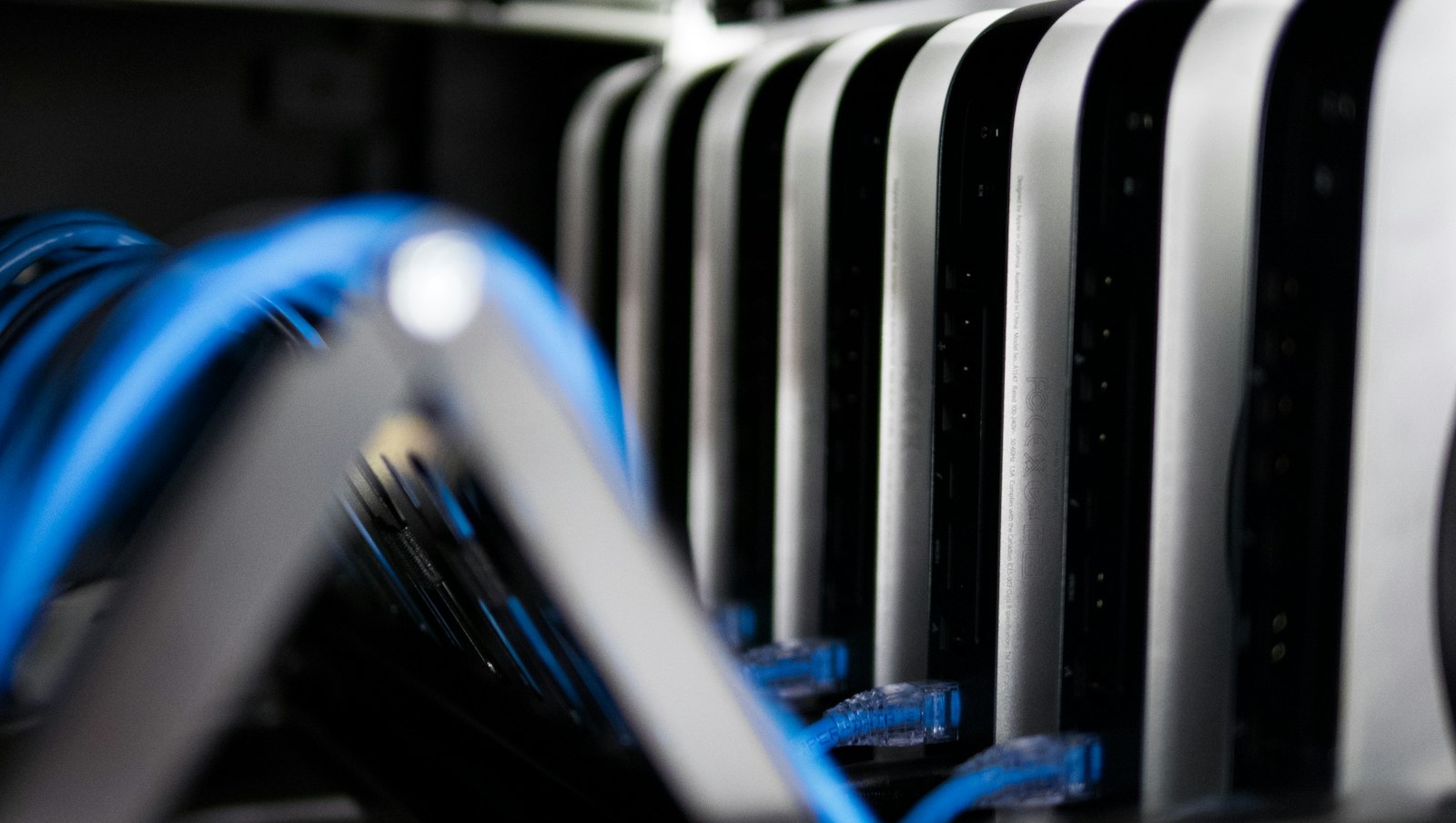
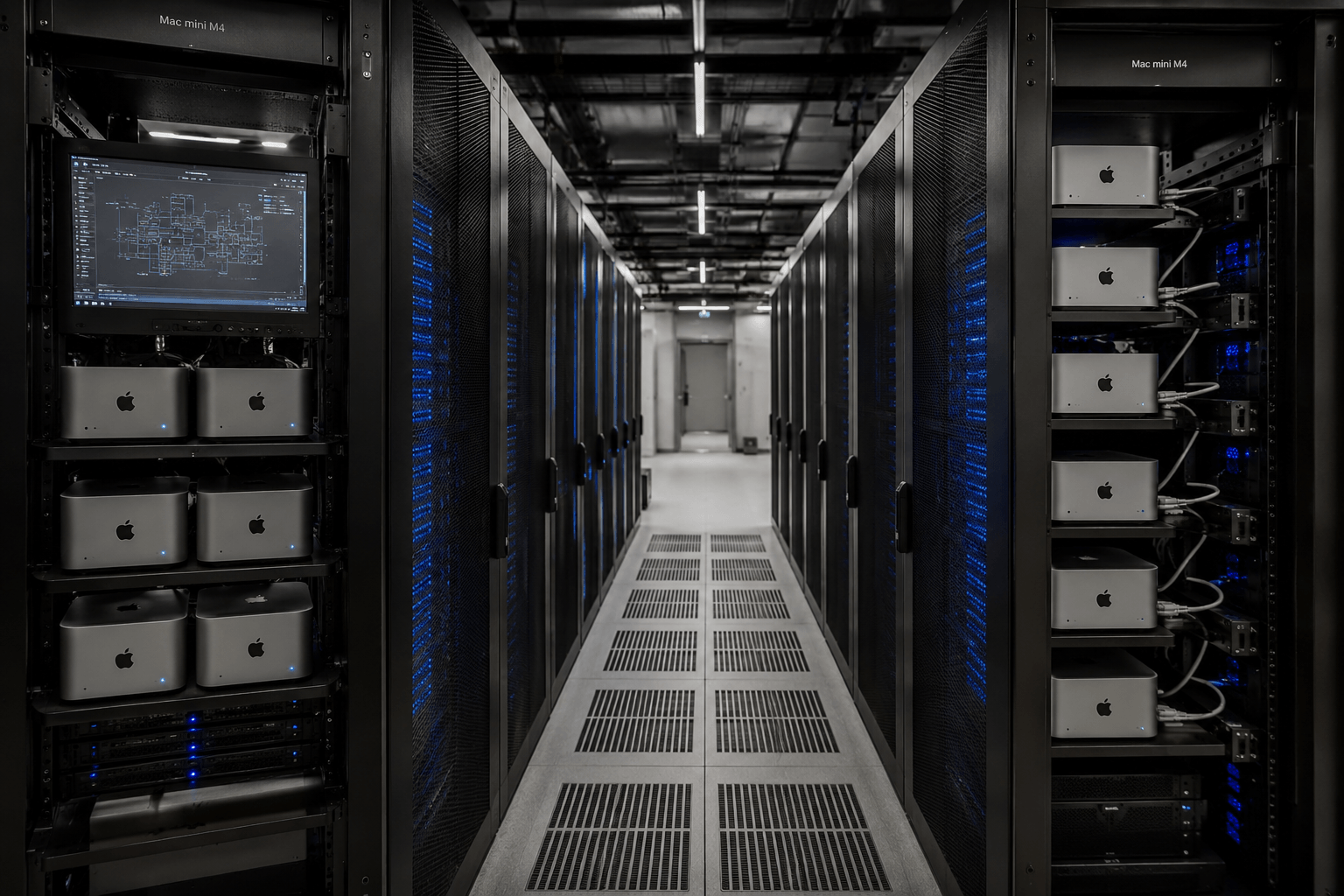
Each device has its own rack slot, power, and network port. You operate a full macOS desktop remotely — hardware is always yours alone, with no noisy-neighbor performance drops.
Provisioning
No sales call, no manual review. Pick a node, pay, get credentials — all on the web.
Start step 1: Choose a nodeChoose one of five: Singapore, Tokyo, Seoul, Hong Kong, US East. Daily / weekly / monthly / quarterly billing; optionally add SSD or TB5 clustering.
USDT-TRC20 and Stripe (Visa / Mastercard / Amex), all settled in USD. System auto-assigns hardware after payment.
When the instance is live, VNC / SSH credentials appear in the console. Click in the browser to operate remotely — email notification included.
Development Builds
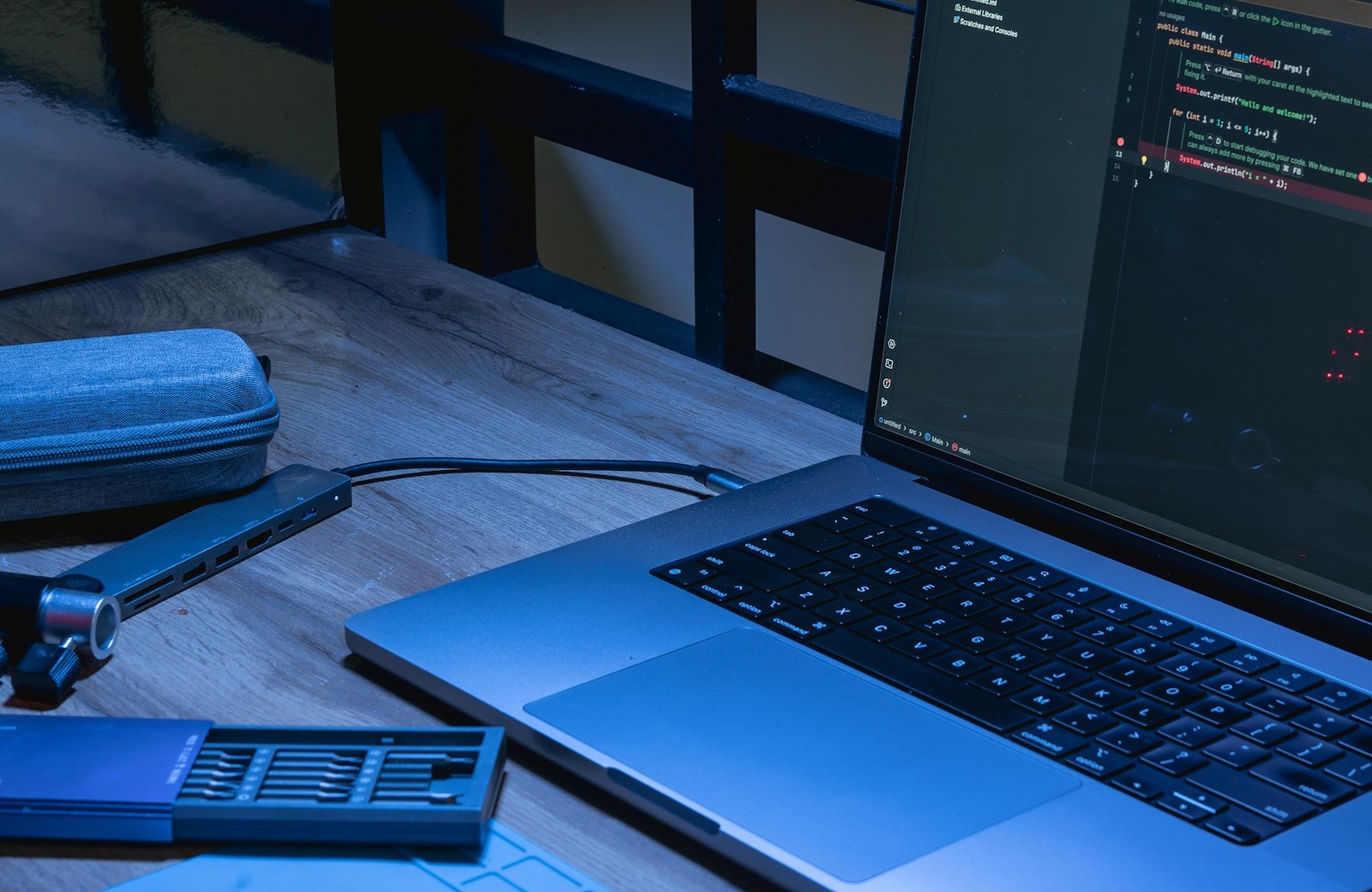
Large Swift project builds, parallel iOS simulator testing, Archive and signing — put resource-heavy steps on a dedicated Mac while your main PC just writes code.
Instances go live automatically after payment. VNC, SSH, power management, ticket support — all in one clean interface.
Real Environment
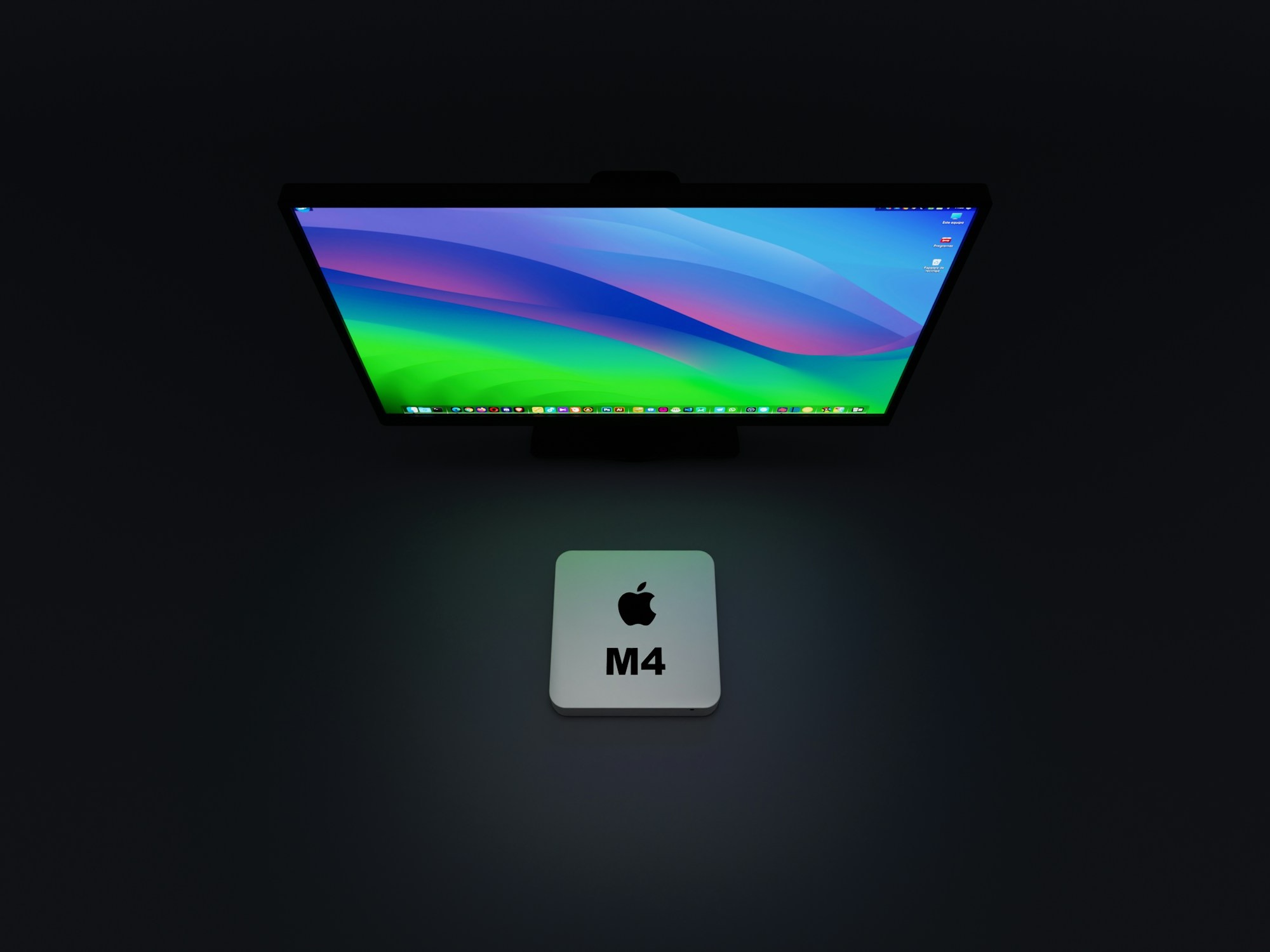
Console instance management, browser straight to macOS desktop, physical hardware in the rack — you're not renting abstract compute, but a real Mac you can remotely control.
Remote access
Browser VNC remote desktop, SSH command line, local VNC client — one cloud Mac, multiple entry points. All connection info on the instance details page.
Click Browser VNC to open remote desktop in the browser — ideal for quick debugging, demos, or environments where you can't install clients.
Copy the SSH command and credentials from the console, run in your local terminal — ideal for scripted deployment and CI integration.
Import the VNC address from the console into RealVNC, Jump Desktop, or similar — closer to native interaction.
Need step-by-step instructions? Visit the Help Center for connection and power management guides.
Comparison
Many "cloud Mac rentals" are actually virtualized or oversold. ZovCloud keeps one physical device per tenant — Xcode build performance and macOS permission boundaries are verifiable.
| Dimension | ZovCloud Physical Mac mini M4 | Typical shared cloud / virtualization |
|---|---|---|
| Hardware | Dedicated physical, no overselling | Virtualized or shared CPU time slices |
| macOS permissions | Full admin rights, install any software | Often sandboxed or pre-built images, permissions unclear |
| Xcode / Simulator | Stable, predictable build and simulator performance | Peak-time fluctuations, large projects often timeout |
| Network | Independent public IPv4 + 1 Gbps dedicated bandwidth | Shared egress, IPs may change or cost extra |
| AI compute | 38 TOPS Apple Neural Engine dedicated | ANE resources typically not guaranteed exclusive |
| Billing | From $19.8/day, no contract lock-in | Usually monthly contracts or per-vCPU-hour billing |
Each Mac mini M4 maps to exactly one tenant. No overselling, no shared CPU time slices, no memory virtualization. Xcode build speed, simulator latency, Apple Neural Engine inference — identical to using it in your office, predictable and reliable.
Learn about the architecture →Fully automated provisioning after payment — credentials appear in the console, email synced. No waiting for manual ops.
Four periods: daily / weekly / monthly / quarterly. No minimum term. USDT-TRC20 and Stripe (Visa / Mastercard / Amex).
ZovCloud exclusive — an isolated runtime built for AI Agents. Zero trust access control, full operation audit logs, and fine-grained permissions make AI workflows compliant and reviewable.
View OpenClaw full guide →Multiple Mac minis linked via Thunderbolt 5 at 80 Gbps — build distributed compile farms or cluster inference nodes to accelerate large-scale workflows.

On-Device AI
The M4's Apple Neural Engine is built for local model inference. With OpenClaw sandbox, AI Agents run in isolation — operations auditable, permissions contained.
Node Selection
Singapore, Tokyo, Seoul, Hong Kong, US East — identical hardware and pricing. Choose the region closest to your team or target users to reduce remote desktop and Xcode build round-trip latency.
Southeast Asia hub — ideal for APAC users and teams needing stable international connectivity.
Common choice for Japan market releases and localized app testing — mature connectivity.
Supplementary deployment for Korean users or Northeast Asia redundancy.
Lower latency for mainland China teams — ideal for frequent cross-border remote collaboration.
North America user testing, US East IP needs, or integrations with US/EU services.

Data Security
Secure wipe runs after instance release — the next tenant gets a clean system disk. Your code, certificates, and business data won't remain on the device.
FAQ
Quick answers for first-time renters. For full VNC/SSH setup guides and billing details, visit the Help Center.
Yes. Each Mac mini M4 maps to a single tenant — no virtualization, no overselling. CPU, 16 GB unified memory, and Apple Neural Engine compute are all dedicated, with performance matching a local machine.
Delivery runs fully automated — most orders finish provisioning within 1–5 minutes after payment. Access credentials appear in your console and are sent by email.
Browser VNC (no install), SSH command line, and third-party VNC clients. All connection info is on the instance details page in the console.
Yes. Singapore, Tokyo, Seoul, Hong Kong, US East — identical hardware and base pricing, from $19.8/day. SSD and TB5 clustering add-ons priced separately.
Submit a ticket from the console after signing in — 24/7 live support, response within 1 hour. Or email support@zovcloud.com.
Trusted by developers, iOS teams, and AI researchers worldwide
Pick a node and period, pay, and go live in 1–5 minutes. Daily billing, no contract — cancel anytime.